How to Get a Vehicle History Report by VIN
Enter the 17-character VIN into a vehicle history or recall lookup, then verify that the VIN matches the title, door jamb, and windshield before you trust the report. Skip that check, and you can buy the wrong car or miss salvage, flood, odometer, or theft issues that can cost thousands.
This guide is part of our Vehicle history report: how to read one before you buy series.
A vehicle history report is tied to the VIN or license plate. Your first job is to confirm the vehicle identity, then check title, theft, mileage, recalls, and liens before you buy.
Start here
What you’ll need
- The VIN from the dashboard near the windshield or the driver-side door jamb
- The title, registration, or listing details that should match that VIN
- Internet access for NHTSA, NMVTIS resellers, Carfax, or AutoCheck
- An optional license plate if the seller has not shared the VIN yet
How do you get a report by VIN?

Start with the full 17-digit VIN, then compare it with the paperwork before you run a lookup. Use the VIN in a recall check, an NMVTIS-based title search through an authorized reseller, or a broader paid report from Carfax or AutoCheck. Save the result and compare it with the seller’s story.
Run the lookup in the right order
- Copy the VIN exactly as printed on the dash plate or door jamb.
- Check that the VIN on the title and registration matches character for character.
- Use NHTSA first if you only need recalls or complaint data.
- Use NMVTIS through an authorized reseller to check for title brands and possible mileage inconsistencies.
- Use Carfax or AutoCheck when you need broader history data.
- Save the report and compare it with the vehicle, the seller, and the paperwork.
What the VIN check should confirm
The VIN should line up with the body tags, the paperwork, and the listing. If it does not, stop and ask why. A mismatch can point to a replacement VIN plate, a clerical error, or a vehicle that is not the one described in the ad.
How do you get a free vehicle history report?
You can get free parts of a vehicle history report from NHTSA, some NMVTIS resellers, Carfax’s myCarfax service, and AutoCheck’s limited free VIN check. Free tools usually cover only part of the picture, so use them to screen risk, not to clear a vehicle for purchase.
Free sources worth checking
- NHTSA VIN lookup: open recalls, safety issues, and complaints
- NMVTIS through authorized resellers: title brands and mileage inconsistencies
- Carfax myCarfax: some free service-history and open-recall data
- AutoCheck: a limited free VIN check or report
What free checks can miss
Free checks can sometimes miss accident history, auction events, lien status, or older title events. A clean recall lookup does not mean the vehicle has a clean title. A mileage check that shows no warning also does not prove the odometer is accurate.
Vehicle history source matrix
This table separates what each source can reveal from what it usually cannot prove. Use it to decide whether you need a free lookup, an NMVTIS title check, or a paid report before you buy.
| Source | What it can reveal | What it usually cannot prove | Free or paid |
|---|---|---|---|
| VIN | Vehicle identity, paper trail match, access key for all lookups | History by itself | Free to inspect |
| NHTSA | Open recalls, safety issues, complaints | Title brands, full accident history, lien status, ownership history | Free |
| NMVTIS | Title brands, salvage history, mileage inconsistencies | Full accident detail, repair quality, all ownership events | Accessed through authorized resellers; often paid |
| Carfax | Broad history: title information, accidents and damage, odometer data, theft and recovery flags, liens and loans, recall status, ownership history | Events that were never reported into its data sources | Mostly paid; myCarfax has some free data |
| AutoCheck | Broad history data, plus a limited free VIN check/report | Anything missing from source feeds or not yet reported | Limited free plus paid options |
How to read the gaps
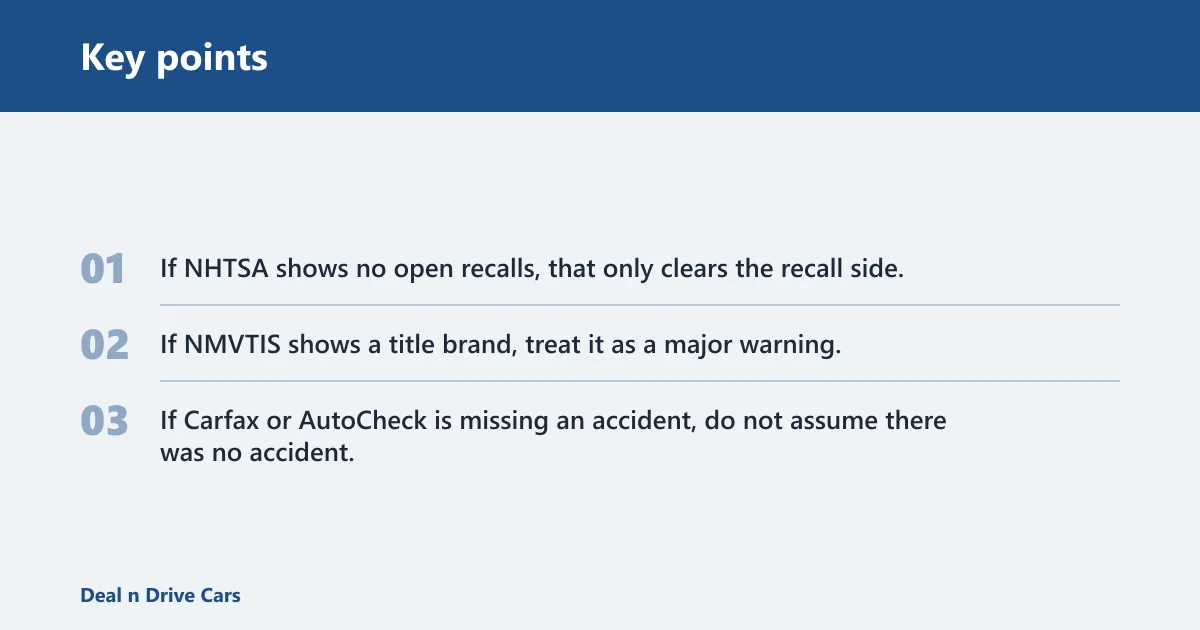
If NHTSA shows no open recalls, that only clears the recall side. If NMVTIS shows a title brand, treat it as a major warning. If Carfax or AutoCheck is missing an accident, do not assume there was no accident; it may only mean the event never reached that database.
How do you check vehicle history report before buying?
Check the report before money changes hands, then compare it against the car and the title. Watch for title brands such as salvage, rebuilt, flood, and lemon-law buyback, plus odometer flags, lien status, and ownership gaps. If the report and paperwork disagree, pause the deal.
Use this decision checklist
- Confirm the VIN on the car matches the title exactly.
- Run a free NHTSA lookup for recalls and safety issues.
- Check NMVTIS title data through an authorized reseller.
- Look for salvage, rebuilt, flood, and lemon-law buyback brands.
- Review odometer warnings and “not actual mileage” language.
- Check liens and loans before you pay.
- Buy a paid report if the vehicle is expensive, flood-prone, auction-sourced, or thinly documented.
When a paid report is worth it
Pay for a broader report when the vehicle has a branded title, a loan payoff issue, or a thin paper trail. A paid report also makes sense when free sources disagree or when you are comparing several similar vehicles and need a fuller history to sort them.
What do you do if you only have the VIN and not the license plate?
You can still run a vehicle history report with only the VIN. The license plate is optional for most checks. Use the 17-digit VIN from the windshield, dash, or driver-side door jamb, then confirm that it matches the title or seller paperwork before you trust any result.
When the plate helps
A plate can help when a seller will not share the VIN yet, but it should not replace the VIN for the final lookup. Plates can change. The VIN ties the history to the actual vehicle.
Edge cases to flag
Classic cars, motorcycles, replacement VIN plates, and paperwork mismatches need extra caution. Older vehicles may have incomplete records. Motorcycles can have thinner reporting. If the plate or VIN tag looks altered, stop and verify the title before you spend more.
How do you get a free Carfax report by VIN?
Free Carfax data is limited. myCarfax can show some service-history and open-recall data, but full Carfax reports are usually paid. Treat it as a comparison point, not a complete file, and cross-check it with NHTSA and NMVTIS before you make a purchase decision.
How Carfax fits into your check
Carfax is often used as a benchmark because buyers and sellers know the name. That familiarity does not make it complete. If Carfax misses a title event that NMVTIS shows, trust the title source first and ask for the paperwork that explains the gap.
How AutoCheck fits into your check
AutoCheck, the Experian brand, offers a limited free VIN check or report. Use it as a second data source when you want another look at the vehicle’s past. It is useful when you want a second read on a car that already raised questions elsewhere.
Common mistakes
The biggest mistakes come from trusting the wrong identifier or reading a clean report too literally. A report can be incomplete, stale, or tied to the wrong car if the VIN does not match the paperwork. A second mistake is ignoring title brands or lien status because the rest of the report looks fine.
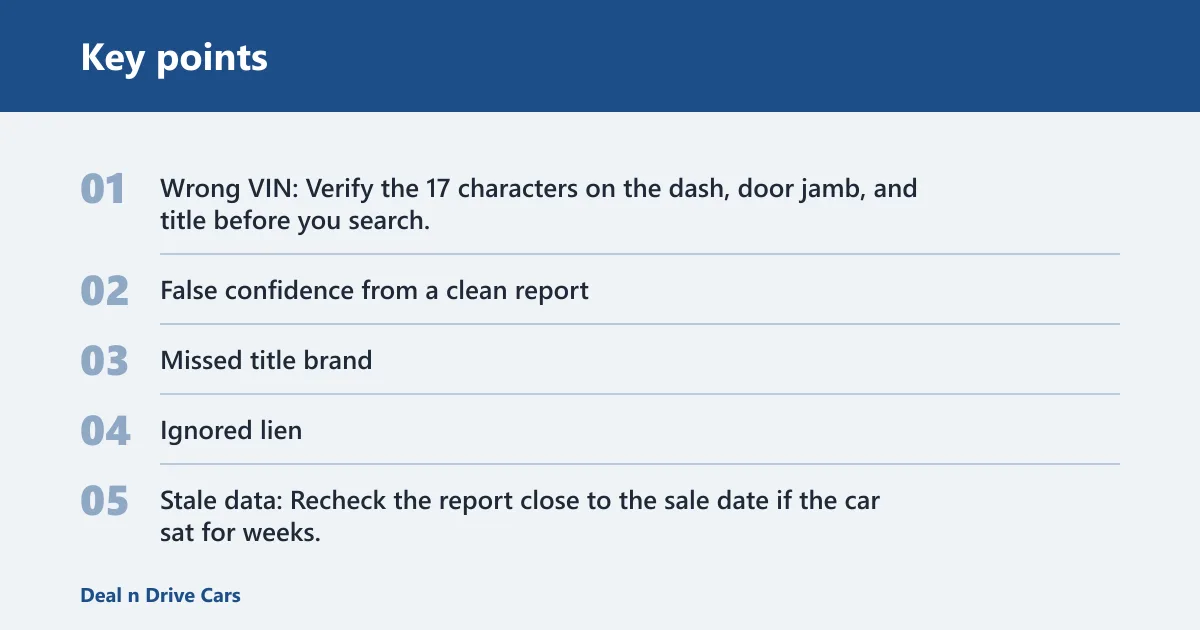
What goes wrong and how to avoid it
- Wrong VIN: Verify the 17 characters on the dash, door jamb, and title before you search.
- False confidence from a clean report: Use the report with an inspection and title review.
- Missed title brand: Search NMVTIS and read the title section line by line.
- Ignored lien: Confirm there are no outstanding loans or financial claims before payment.
- Stale data: Recheck the report close to the sale date if the car sat for weeks.
Two common scenarios
Say your VIN check shows no open recalls, but the title still lists a salvage brand. That vehicle may still be unsafe to insure, finance, or resell easily. The recall result does not erase the title issue.
Suppose a 2019 motorcycle shows clean history in one paid report, but the seller’s title lists “not actual mileage.” That phrase means the mileage cannot be relied on as a true reading, so you should treat the odometer history as suspect and ask for more paperwork.
Frequently asked questions
How do I get a vehicle history report by VIN?
Enter the 17-character VIN into a vehicle history provider, then compare the result against the title, registration, and the VIN plate on the car. Use NHTSA for recalls, NMVTIS for title brands and mileage inconsistencies, and a paid report when you need broader background.
How do I check vehicle history by VIN for free?
Run the VIN through NHTSA first, then use an NMVTIS reseller for title brands if free access is available. If you only have one free check, prioritize recalls and title brands. Those two areas can change the decision to buy.
Where can I get a free VIN history report?
Start with NHTSA for recalls and complaints, then look for limited free data from AutoCheck or myCarfax. If you need title brands, salvage history, or mileage inconsistencies, NMVTIS access through an authorized reseller is the more relevant source.